Roles get hit when the work is repetitive, measurable, and easy to slot into a workflow engine.

This page interprets exposure through tasks. Jobs with lots of queue work, formatting work, or first-pass synthesis are under more pressure than jobs built around trust, escalation, and judgment.

Important caveat

High exposure does not mean zero future demand. It means the bar rises: fewer generic seats, more leverage per person, and more reward for people who can redesign the workflow.

AI exposure by role

Risk scores based on task-level automation potential.

Skills in decline vs. growth

Which skills are being automated away vs. gaining demand

What this means

Interpreting the skill shift data

The great unbundling

Most jobs are being unbundled into automatable and non-automatable tasks. The median AI exposure score of 45/100 means roughly half of tasks in a typical role are being reshaped.

New skills compound

AI supervision, workflow design, and agent orchestration are the fastest-growing skill categories. Workers combining domain expertise with these skills see 2-3x productivity gains.

The 18-month window

JobForesight estimates a median time-to-impact of 18-36 months. The adaptation window is open but narrowing.

Higher-exposure roles in the current wave

Higher exposure

Support and service coordinators

High-volume queue work, multi-turn chat handling, and repeatable classification are increasingly absorbed by autonomous agent stacks. The human role shifts to escalation governance, edge-case resolution, and agent QA.

Tasks under pressure

  • Ticket triage
  • First-response drafting
  • FAQ routing
  • Routine policy lookups

Durable work

  • Escalation judgment
  • Customer recovery
  • Cross-team coordination
  • Agent QA auditing

Best adaptation moves

  • Own escalation design
  • Learn AI agent evaluation workflows
  • Measure deflection without harming CSAT

Higher exposure

Operations analysts

Routine reconciliations, data pipeline transformations, and recurring metric reporting are collapsing into smaller teams with agentic execution leverage.

Tasks under pressure

  • Weekly reporting
  • Manual reconciliations
  • Process documentation
  • First-pass data hygiene

Durable work

  • Exception handling
  • System architecture
  • Stakeholder alignment
  • Operating governance

Best adaptation moves

  • Map brittle workflows
  • Orchestrate internal AI agents
  • Own process instrumentation & evals

Higher exposure

Entry-level content and research support

Commodity drafting, literature summarization, and first-pass synthesis are dominated by models, compressing demand for generic junior output.

Tasks under pressure

  • Outline drafting
  • Basic summarization
  • Routine competitor scans
  • Template copy generation

Durable work

  • Editorial taste
  • Primary-source verification
  • Narrative framing
  • Audience resonance

Best adaptation moves

  • Specialize in source validation
  • Pair research with distribution strategy
  • Own editorial eval standards

Higher exposure

Sourcing and recruiting coordinators

Candidate sourcing pipelines, automated scheduling, and outbound sequencing are embedded natively into modern recruiting stacks.

Tasks under pressure

  • Scheduling
  • Outbound sequencing
  • Resume keyword screening
  • Initial message drafting

Durable work

  • Closing candidates
  • Hiring manager coaching
  • Employer brand judgment
  • Executive calibration

Best adaptation moves

  • Run the recruiting agent stack
  • Improve candidate signal quality
  • Use AI for structured interview ops

Jobs at risk from AI: adaptation guides

Guides for workers in jobs at risk from AI who need to move from repetitive tasks into higher-leverage workflows, supervision, and redesign work.

How to Use Claude for Excel: Setup, Prompts, and Limits

Oct 3, 2026 · AI for Work

How to Use Claude for Excel: Setup, Prompts, and Limits

Install Anthropic's official add-in, run the prompts that save the most time, and know where it stops being safe to trust.

Brian Weerasinghe · 20 minutes

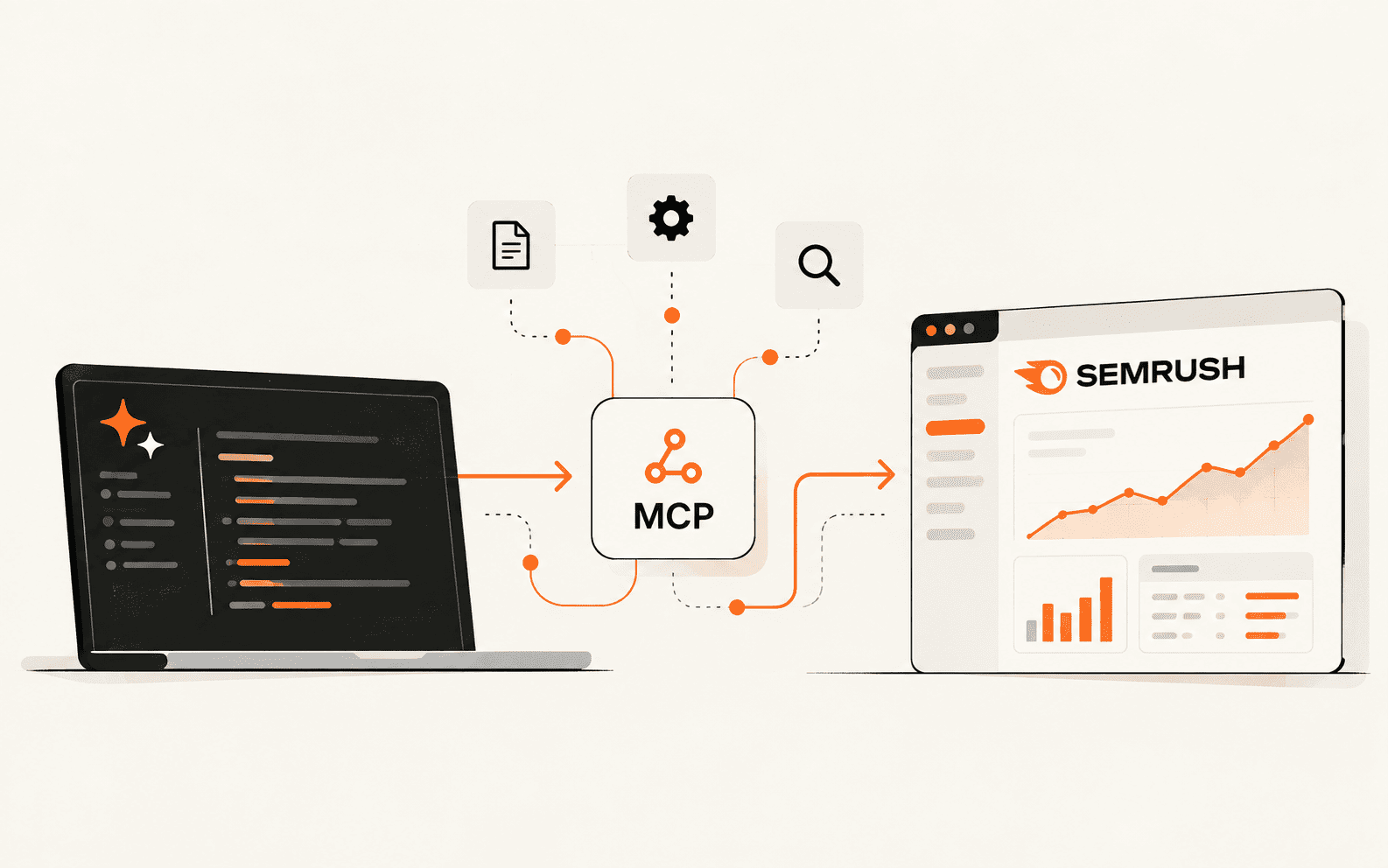
How to Set Up and Use Semrush MCP for SEO Research in Claude

Sep 23, 2026 · AI for Marketing

How to Set Up and Use Semrush MCP for SEO Research in Claude

Connect Semrush to Claude, run a first query you can verify, and turn keyword research into one repeatable prompt.

Brian Weerasinghe · 20 minutes

How to Self-Host n8n: A Docker Compose Setup Guide

Sep 16, 2026 · AI for Work

How to Self-Host n8n: A Docker Compose Setup Guide

Run n8n self-hosted for free with Docker Compose and HTTPS, plus the community edition limits and backup steps most tutorials skip.

Brian Weerasinghe · 45 minutes

FreeFlow Setup Guide: A Free Wispr Flow Alternative for Mac

Sep 15, 2026 · AI for Work

FreeFlow Setup Guide: A Free Wispr Flow Alternative for Mac

Install the open source dictation app, add a free Groq API key, and start hold-to-talk voice typing with no subscription.

Brian Weerasinghe · 15 minutes

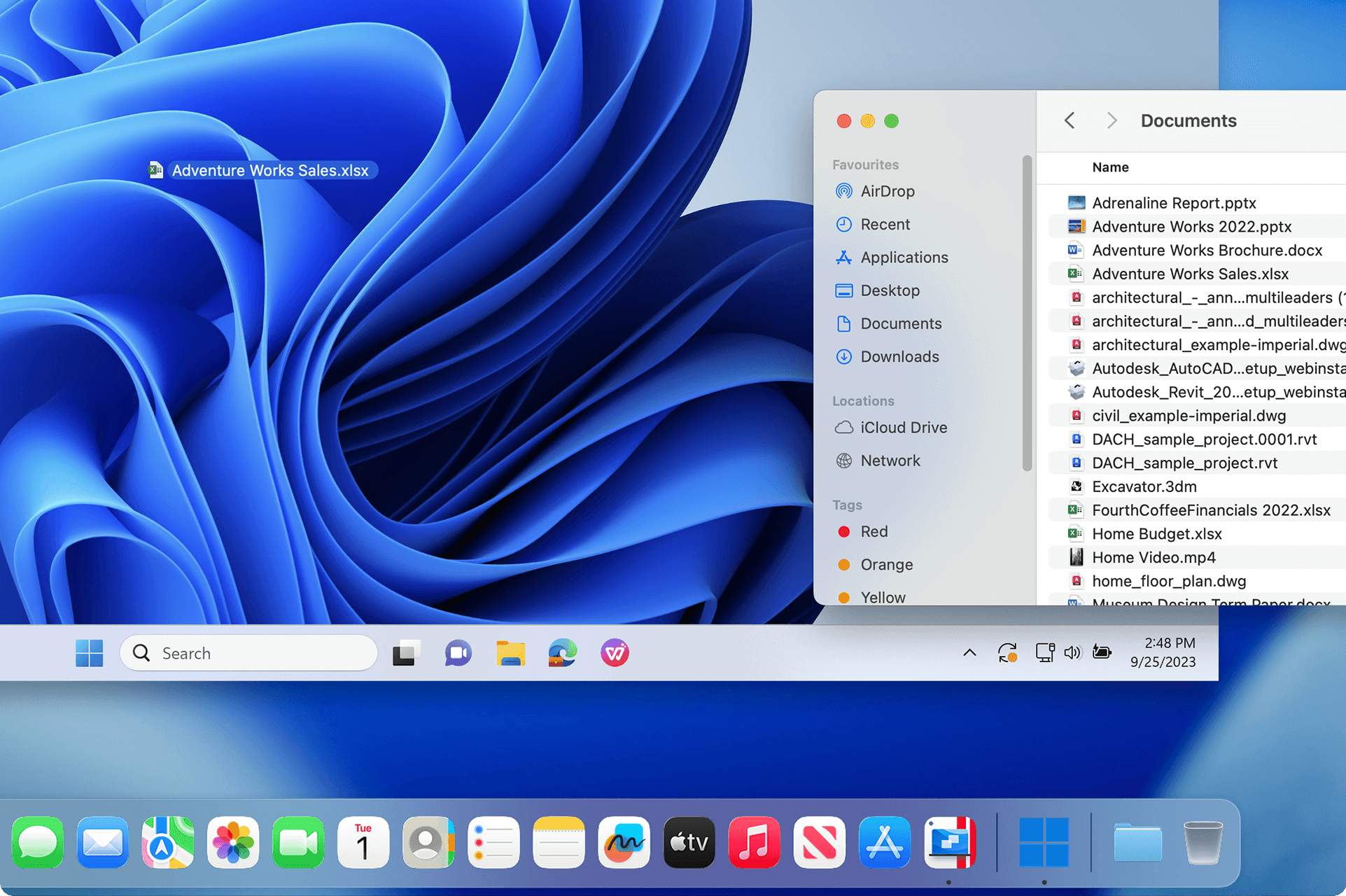
How to Run Windows on a Mac With Parallels Desktop

Aug 2, 2026 · AI for Work

How to Run Windows on a Mac With Parallels Desktop

Set up Windows 11 on your Mac in about 15 minutes, pick the right edition, and save 45% with code PD45.

Brian Weerasinghe · 20 minutes

How to Make Faceless YouTube Videos With AI: InVideo Tutorial

Jul 12, 2026 · AI for Marketing

How to Make Faceless YouTube Videos With AI: InVideo Tutorial

A step-by-step InVideo AI workflow for scripting, voicing, and exporting a faceless video from a single prompt

Brian Weerasinghe · 30 minutes

How to Use Lovable AI: A Complete Guide for Non-Technical Founders

Jun 26, 2026 · AI for Founders

How to Use Lovable AI: A Complete Guide for Non-Technical Founders

A beginner's walkthrough for building and publishing a real website or app with Lovable, without writing a single line of code.

Brian Weerasinghe · 45 minutes

How to Humanize AI Text: 7 Editing Moves That Work

Jun 7, 2026 · AI for Work

How to Humanize AI Text: 7 Editing Moves That Work

Practical techniques to edit AI-generated content so it reads like a person wrote it and passes the detectors checking for it

Brian Weerasinghe · 20 minutes

How to Set Up Hermes Agent: The Self-Improving AI That Runs 24/7

May 31, 2026 · AI for Founders

How to Set Up Hermes Agent: The Self-Improving AI That Runs 24/7

Install Nous Research's open-source autonomous agent locally or on a VPS in under 20 minutes, complete with model setup, Telegram gateway, and code snippets

Brian Weerasinghe · 20 minutes

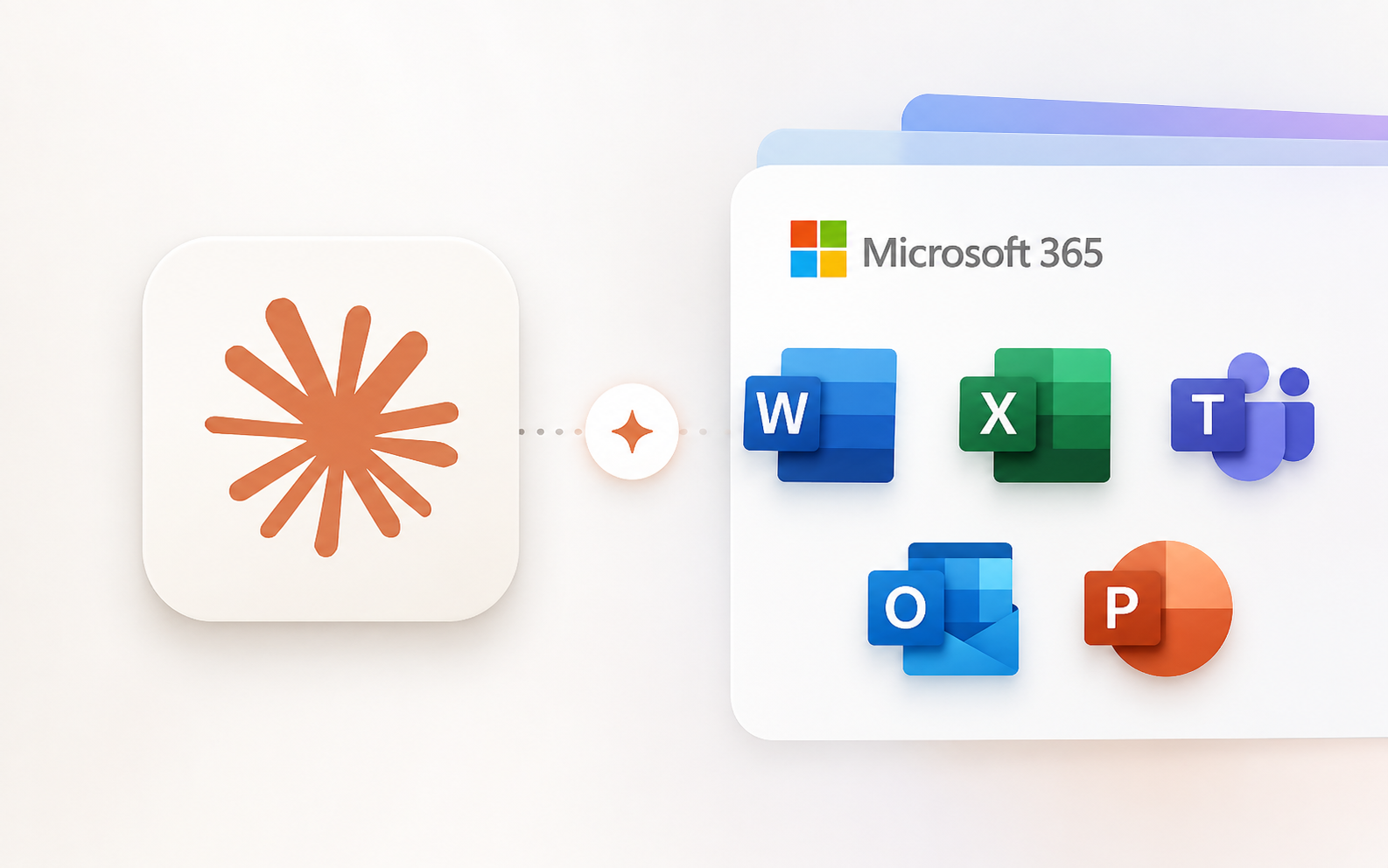
How to Use Claude Inside Microsoft 365

May 8, 2026 · AI for Work

How to Use Claude Inside Microsoft 365

Claude now works natively inside Excel, PowerPoint, Word, and Outlook. Here is how to get it running and what to actually do with it.

Brian Weerasinghe · 15 minutes

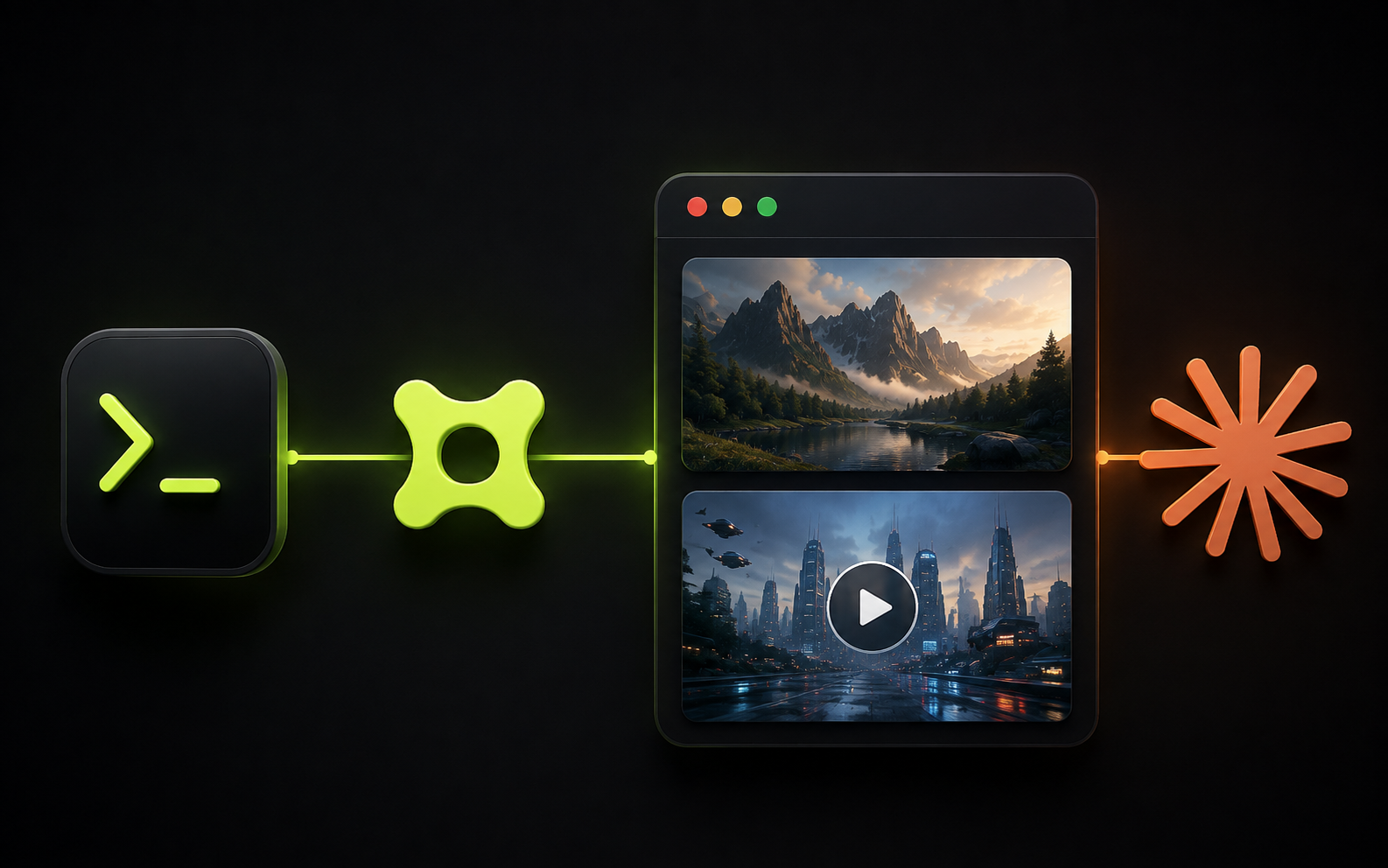
How to Use Higgsfield MCP and CLI to Generate Images and Videos Inside Claude

May 4, 2026 · AI for Marketing

How to Use Higgsfield MCP and CLI to Generate Images and Videos Inside Claude

Connect Higgsfield to Claude with its MCP connector, or to Claude Code, Cursor and Codex with the CLI, and generate production-ready images and videos from a conversation.

Brian Weerasinghe · 15 minutes

How to Use Meta's Official Ads MCP and CLI with Claude

May 4, 2026 · AI for Marketing

How to Use Meta's Official Ads MCP and CLI with Claude

Meta just gave AI tools direct, authorized access to your ad account. Here is how to set it up and what you can actually do with it.

Brian Weerasinghe · 15 minutes

How to Design a High-Converting Landing Page in Claude Design

May 3, 2026 · AI for Marketing

How to Design a High-Converting Landing Page in Claude Design

Go from a rough brief to a polished, on-brand landing page you can deploy straight from the browser, without opening Figma.

Brian Weerasinghe · 30 minutes

How to Do a Brand Refresh in Five Minutes with Claude Design

May 2, 2026 · AI for Marketing

How to Do a Brand Refresh in Five Minutes with Claude Design

Use Claude Design to build a full visual system — typography, colors, components, and slide templates — without touching a design tool.

Brian Weerasinghe · 15 minutes

Set up useful AI teammates with new ChatGPT workspace agents

May 15, 2024 · AI for Work

Set up useful AI teammates with new ChatGPT workspace agents

Turn generic AI into dedicated expert teammates by creating workspace-specific agents in ChatGPT.

Brian Weerasinghe · 20 minutes

Jobs at risk from AI: common questions

Which jobs are most at risk from AI?

In AETW's task-exposure scores, the jobs most at risk from AI are data entry (92/100), customer support (88/100) and bookkeeping (84/100), followed by content writers (80/100) and recruiting coord (78/100). Each score reflects how much of a role's day-to-day work AI tools can already automate, not a forecast that the job disappears.

Which jobs are least at risk from AI?

The lowest-exposure roles in the same scores are skilled trades (14/100) and product managers (28/100). They rely on physical work, judgment under uncertainty, or accountability that is hard to hand to a model. See our page on jobs safest from AI for the full list.

Will AI replace software engineers?

Not wholesale. AETW scores software engineers at 45/100, with about 35% of tasks automatable today, mostly routine coding, boilerplate and first drafts. Design, review and system-level decisions still need people, so the role is being reshaped rather than removed.

Which industries face the most AI job risk?

The most exposed industries in AETW's industry matrix are Software & SaaS (86/100), Customer service (84/100) and Financial Services (80/100). These sectors have the most repeatable, screen-based work that AI agents can take over.

What does an AI exposure score mean?

It estimates the share of a role's tasks that current AI tools can automate or heavily assist. A high score means fewer generic seats and more output per person, not zero demand. People who can redesign the workflow and supervise the AI tend to gain.

Community builderCommunity builderCommunity builderCommunity builder
Read by engineers & leaders

The AI brief for builders, operators, and leaders

Follow the AI developments reshaping work and the world, with practical context for what to do next.

Free, no spam, unsubscribe anytime. By subscribing you agree to our Terms and Privacy (16+).