How to Fix Codex Usage Limits: 7 Token-Saving Methods, Verified
Seven popular Codex token-saving tricks, checked against benchmarks and OpenAI's own docs, so you know which ones actually move the needle.
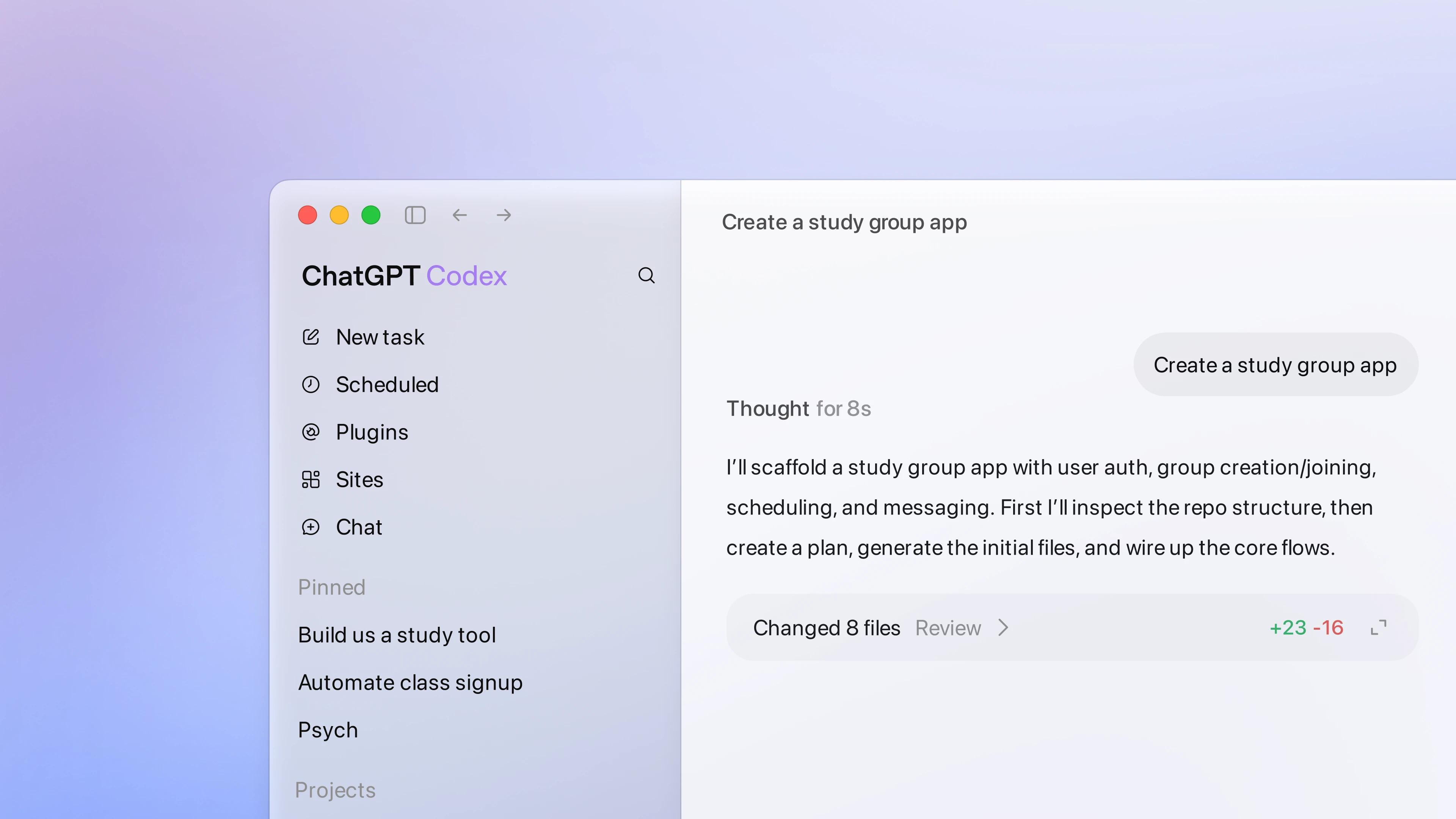
Quick answer: to check your Codex usage, run /status in an active Codex CLI session, or open Settings and the usage dashboard to see your allowance, credit balance and reset time. On ChatGPT Plus, OpenAI estimates 15 to 160 local messages per five hours on GPT-6.1 Sol and 350 to 3,000 on GPT-6 Luna, so the model you pick matters more than anything else. Pro plans currently have no five-hour limit (OpenAI's Codex pricing page, checked October 26, 2026). Usage also depends on task complexity, context, reasoning level, tools, and whether work runs locally or in the cloud, and Codex can share an agentic allowance with ChatGPT Work and other ChatGPT agents. The seven methods below cut avoidable context and tool overhead; none of them guarantees a fixed number of tokens per task.
How Codex usage is currently measured
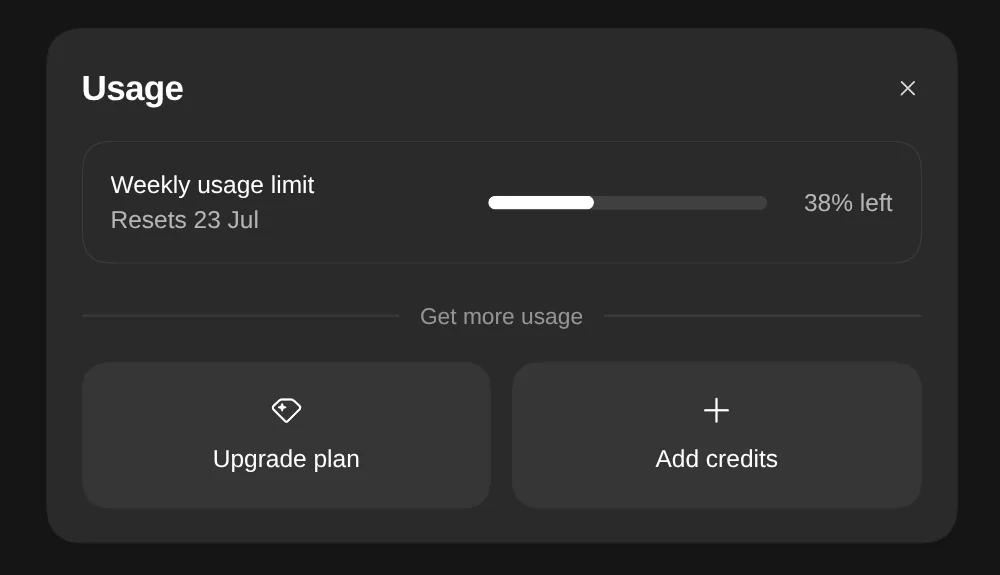
Codex runs an agent loop that can read files, call tools, execute commands, and reason over the accumulated context. OpenAI says usage varies with the model, task complexity, context, reasoning, speed, tools, and where the task runs. A long-running repository task can therefore use substantially more of an allowance than a short request.
For the current account-specific answer, open Settings or the usage dashboard and inspect the allowance, credit balance, and reset time shown. In the Codex CLI, enter /status. Some eligible plans can add credits or use an available reset after an included allowance is exhausted.
Prefer a ready-made setup? The Token Saver Kit, AETW's own ready-made kit, packages several of the methods below as files for Codex and Claude Code: a config.toml that defaults to Luna, a lean AGENTS.md template, plan-then-build and handoff prompts, and a codebase-map workflow.
Route everyday work to Luna, and escalate to Sol or Astra only when needed
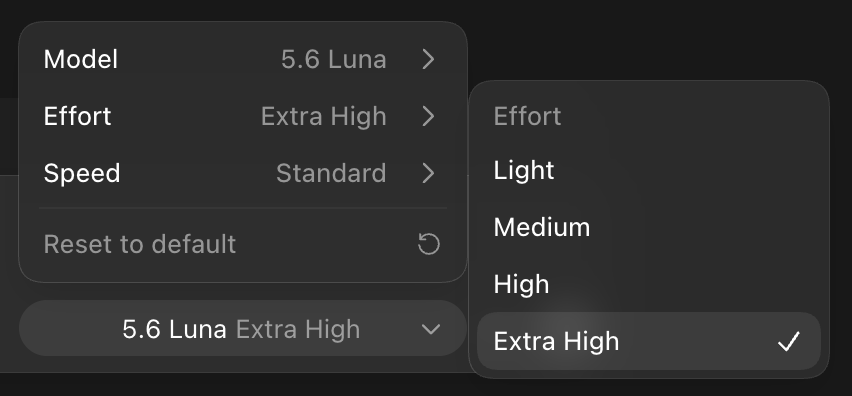
This is the highest-leverage change on this list. Codex's current model family is GPT-6: Astra is the most capable and most expensive, Sol (now GPT-6.1 Sol) is the balanced middle tier, and Luna is the fast, low-cost option that OpenAI describes as its most efficient model. Each model also has a reasoning effort dial, and reasoning tokens are billed like output, so a lower setting saves usage on routine work.
Start most tasks on Luna and only escalate to Sol or Astra when the agent stalls or loses the thread. Independent testers measured this pattern on the previous GPT-5.6 generation: running Luna at Extra High reasoning instead of the middle tier at High gave close to the same output quality at roughly 1.3x the speed and 2.5x lower cost. AETW hasn't seen equivalent tests on GPT-6 yet, so check /status before and after you switch to see what it does for your own work.
Set a persistent default in Codex's config file so you're not toggling this every session:
For the tasks where a wrong early step would cost the whole session (architecture decisions, planning and gnarly debugging), switch to gpt-6.1-sol at high reasoning, or to Astra for the hardest problems. Higher reasoning effort costs several times more tokens whichever model runs it, so raise it for the session that needs it rather than making it your default.
Older guides, including earlier versions of this one, recommend gpt-5.6-luna. Codex now lists the GPT-6 models, so update your config if it still names a GPT-5.6 model.
Start a new chat every 15 to 20 messages
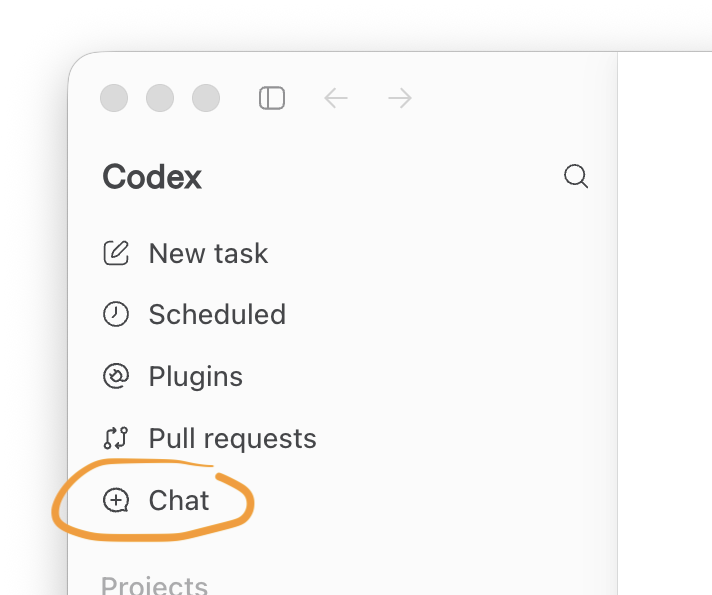
This one is verified and it is the cheapest fix on this list, because it costs nothing to set up. Every message in a Codex session carries the full conversation history back into the model's context, so token cost per message climbs as the session goes on. One benchmark tracking this found that by message 30, a session is paying roughly 31 times what message 1 cost, purely from re-sending accumulated context.
The 15 to 20 message range is not an arbitrary number. Past roughly 60 percent of the context window, output quality measurably degrades because the model is wading through stale conversation instead of focusing on the current task. Codex CLI's own knowledge base makes the same point about compaction: a session at 95 percent context capacity with several compactions behind it produces worse output than a fresh session with focused context, even before you hit a hard limit.
Use /plan to write plan.md, then implement in a clean thread
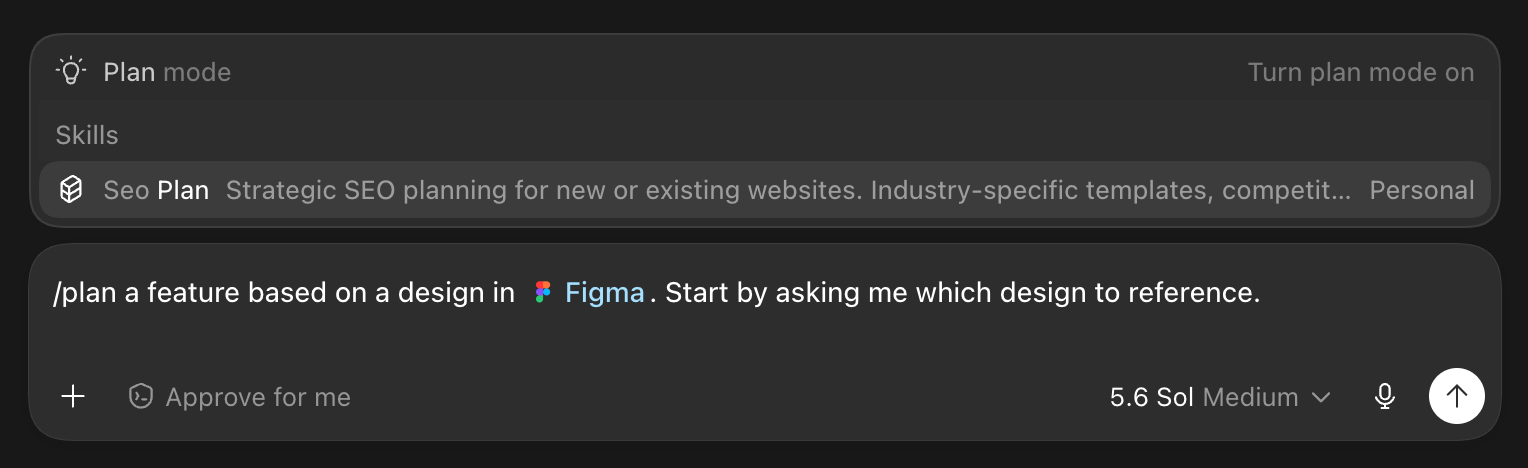
Codex's Plan Mode is a read-only state: Codex explores the repo and drafts a step-by-step plan but does not edit or run anything until you approve it. Before Plan Mode existed, Codex engineers approximated the same workflow manually with a plan.md file: a markdown document holding the architecture plan, an atomic todo list, and session recovery notes, written before any code gets touched.
The reason this pairs with new-chat hygiene from the previous section is architectural, not just habit. Plan Mode's fresh-start option drops the planning conversation entirely when you move to implementation, so the implementation thread inherits only what you explicitly hand it, typically a reference to plan.md, instead of carrying the full back-and-forth of how the plan got decided. Planning conversations tend to be verbose and exploratory; implementation doesn't need that verbosity in its context.
Write AGENTS.md once instead of re-explaining the project every session
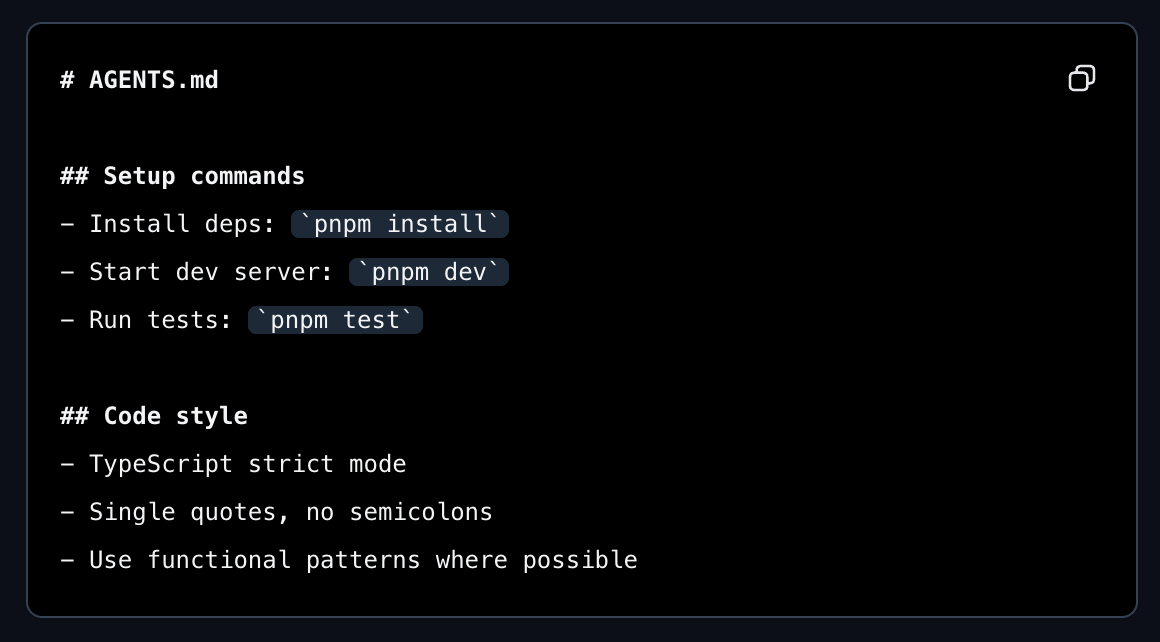
This is a variant of the same principle as plan.md, applied to standing project context instead of a single task. AGENTS.md is the file Codex loads automatically at the start of every session, and putting your persistent project background there means Codex starts with the relevant context already in place instead of reconstructing it from conversation history each time.
The pattern extends naturally to separate files like design.md or product.md when a project has distinct kinds of standing context, architecture decisions in one file, product requirements in another, so Codex loads only what's relevant to reference rather than one bloated file. A useful working rule from senior Codex users: anything you find yourself correcting twice belongs in AGENTS.md or a skill, not in another one-off message.
Convert PDFs to Markdown before uploading, but size your expectations correctly
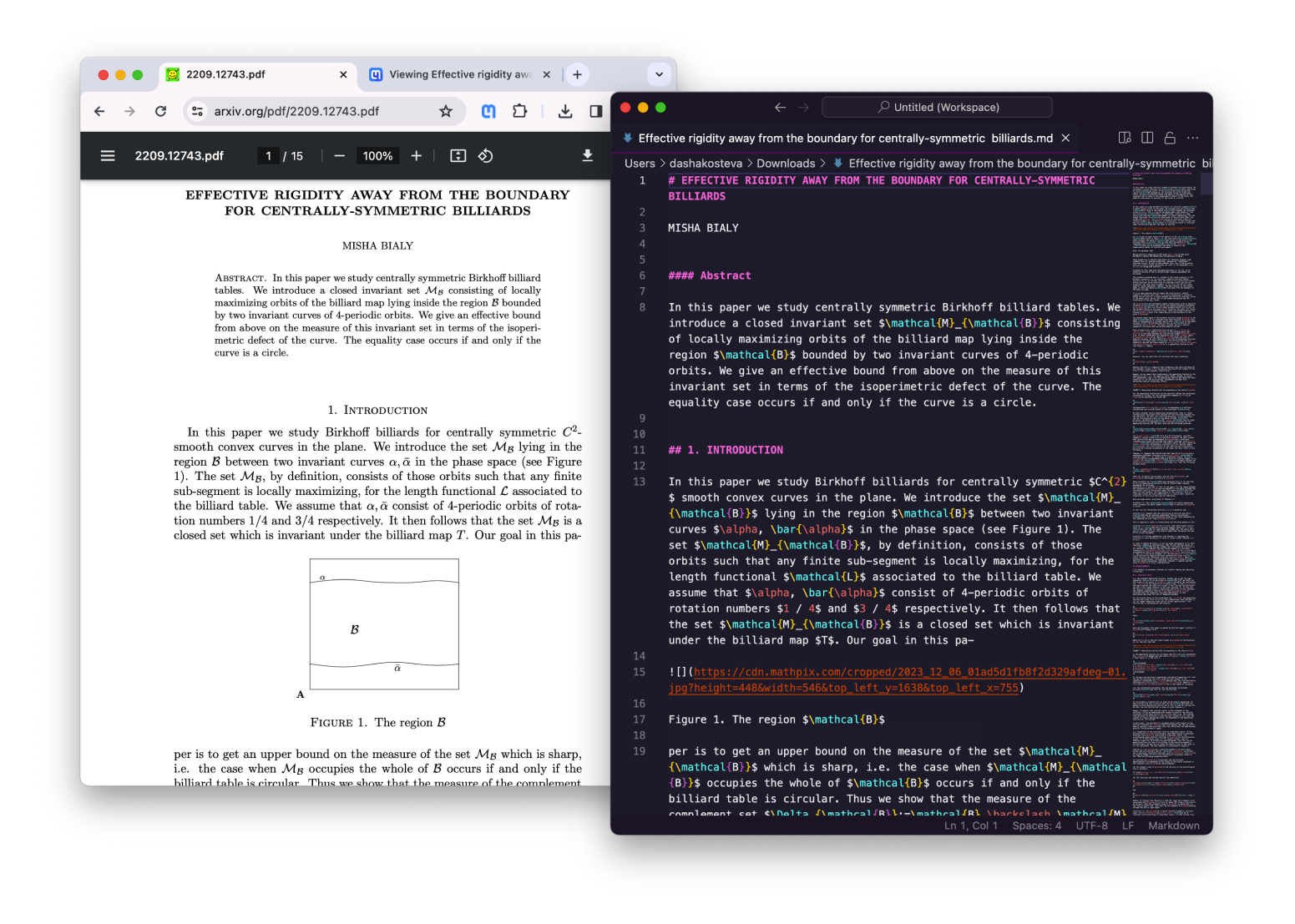
The logic behind this one is sound, but the number you'll see quoted ("90 percent fewer tokens") is usually measured against the wrong baseline. PDFs carry font tables, layout coordinates, and encoding overhead that get tokenized without adding any information the model can use, and stripping that out genuinely reduces tokens. Where the marketing figures inflate the claim is comparing a Markdown file to the raw binary size of a PDF, rather than to the text Codex actually receives after extraction.
Measured against properly extracted PDF text rather than the file itself, one independent test found Markdown saves closer to 25 percent of tokens versus HTML, and can cost more tokens than raw extracted PDF text on a clean, simple document. The realistic range across several independent measurements sits around 30 to 50 percent for typical documents, with the bigger 90-plus percent reductions showing up specifically on scanned or image-heavy PDFs where extraction is messy to begin with. Convert PDFs before uploading them, but expect a meaningful trim, not a tenfold one, on a clean text-based PDF.
If the PDF contains anything sensitive, run the conversion with a local tool instead of a web uploader. Microsoft's markitdown, IBM's docling, and pymupdf4llm all convert PDF to Markdown locally without sending the file to a third party.
Give Codex a knowledge graph instead of raw files (Graphify)
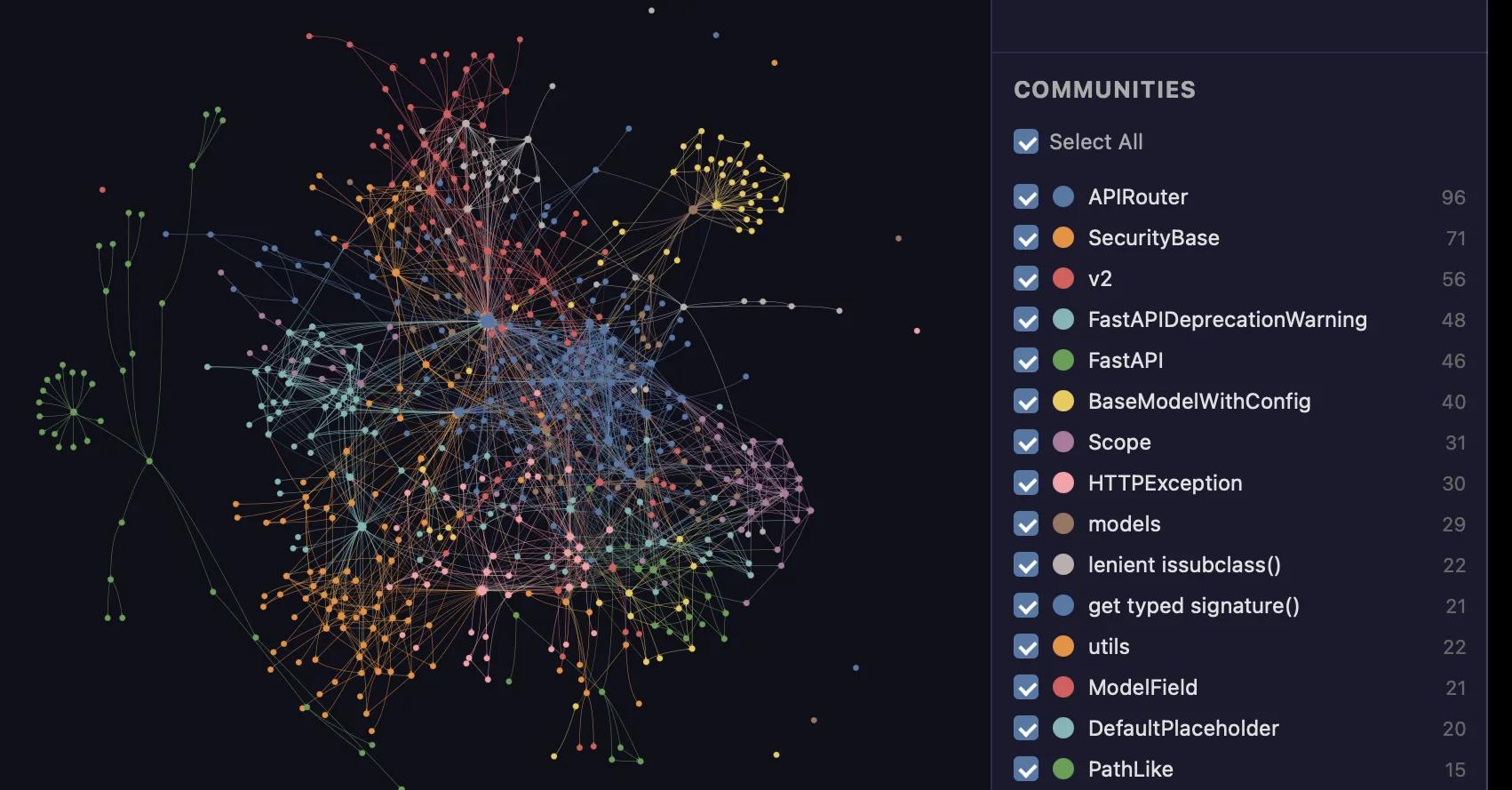
Graphify is an open-source coding assistant skill, built for Claude Code but with native integrations across roughly ten AI coding platforms including Codex, that pre-processes a codebase once into a queryable knowledge graph. Instead of Codex running repeated file search and read calls to orient itself, it queries the graph and gets back the specific nodes and relationships relevant to the question.
The savings compound with codebase size. On a corpus of 52 files, the most widely cited benchmark reports roughly 71.5x fewer tokens per query versus a naive read-everything approach. That reduction is not universal, though: on a project small enough that Codex answers questions in one or two file reads, Graphify's own per-query overhead can add tokens rather than save them. The practical threshold is a repo of 20 or more files, or a project where Codex is already running four or more search calls to answer a single question.
The Caveman skill: real, but not the 65% you'll see advertised

Caveman is an open-source skill, compatible with Codex among 30-plus agents, that instructs the agent to respond in stripped-down, compressed language: no pleasantries, no hedging, short declarative sentences. Its own ten-prompt benchmark suite reports a 65 percent mean output-token reduction, and the project has become one of the most-starred skills in this category.
An independent paired benchmark run by JetBrains on real coding-agent sessions found a different picture. Forced on across 82 paired tasks, Caveman changed how the agent talked without measurably hurting output quality, but the real-world saving on agentic work came out to roughly 8.5 percent of output tokens and about 10 percent of cost at best, not 65 percent. The gap exists because the tokens that actually dominate a coding-agent session are code and tool call output, which Caveman deliberately leaves untouched. The advertised number describes chat-style question and answer sessions, not agentic coding work.
This is worth installing because it costs nothing and doesn't hurt, but don't count on it to solve a usage-limit problem. Treat it as a small bonus on top of the methods above, not a replacement for them.
Which of these are worth your setup time
Not all seven methods carry equal weight, and stacking every one blindly wastes setup time that could go toward the two or three that actually move your usage limits. Sorted by verified impact:
Biggest verified impact, set these up first:
- Route everyday work to Luna and escalate to Sol or Astra only when needed (on GPT-5.6, testers measured roughly 2.5x lower cost for comparable output)
- New chat every 15-20 messages (cost per message compounds to roughly 31x by message 30 in a long session)
- Graphify, but only on repos of 20+ files (71.5x fewer tokens per query on the benchmark corpus, negative ROI below that threshold)
Real, moderate impact:
- /plan into plan.md, then implement in a fresh thread
- AGENTS.md (and design.md / product.md) for standing project context
- PDF to Markdown conversion (expect 30-50% on clean documents, not 90%)
Marginal, nice to have:
- Caveman skill (roughly 8.5% real-world saving on agentic tasks, well below its advertised 65%)
Get these methods as ready-made files
The Token Saver Kit, which AETW makes and sells, turns the methods above into files you copy into your project: a config.toml that defaults to gpt-6-luna with a "deep" profile for hard tasks, a lean AGENTS.md template, prompts for plan-then-build and fresh-session handoffs, and a codebase-map workflow so Codex stops re-exploring your repo every session. It covers Claude Code too, and setup takes about 10 minutes. See what's inside the kit.
We don't promise a specific saving, because it depends on how you work. The guide inside shows how to measure your usage with /status before and after.
Before you trust this workflow to hold your usage limit
Sources
- SessionWatcher - How to Check Codex Usage
- Atlas Cloud - Codex Usage Limits Workaround
- Cerebras - Getting the most out of GPT-5.6: Sol, Terra, and Luna
- CJ Zafir on X - Luna Extra High vs Terra High
- Majestic Labs - Using GPT-5.6 Luna at Max in Codex
- DEV Community - Token Optimisation 101
- Codex Knowledge Base - Codex CLI Performance Optimisation
- Codex Knowledge Base - Conversation Branching
- AI Daily Check - Codex Plan Mode
- Verdent Guides - Codex CLI Resume, Continue, and Save Chat Explained
- ofox.ai - Codex CLI Workflow: The Setup Senior Devs Use in 2026
- markdownconverters.com - PDF vs Markdown for AI Tokens: The Real Data
- copymarkdown.com - Markdown vs DOCX vs PDF for AI Workflows
- Graphify GitHub Repository
- OpenClaw Launch - OpenClaw + Graphify
- GitHub - JuliusBrussee/caveman
- JetBrains Blog - Speaking to AI Agents like Cavemen
Founder and Editor
Brian Weerasinghe is the founder and editor of AI Eating The World, where he covers artificial intelligence, tech companies, layoffs, startups, and the future of work. His reporting focuses on how AI is transforming businesses, products, and the global workforce. He writes about major developments across the AI industry, from enterprise adoption and funding trends to the real-world impact of automation and emerging technologies.